THE SHORT ANSWER
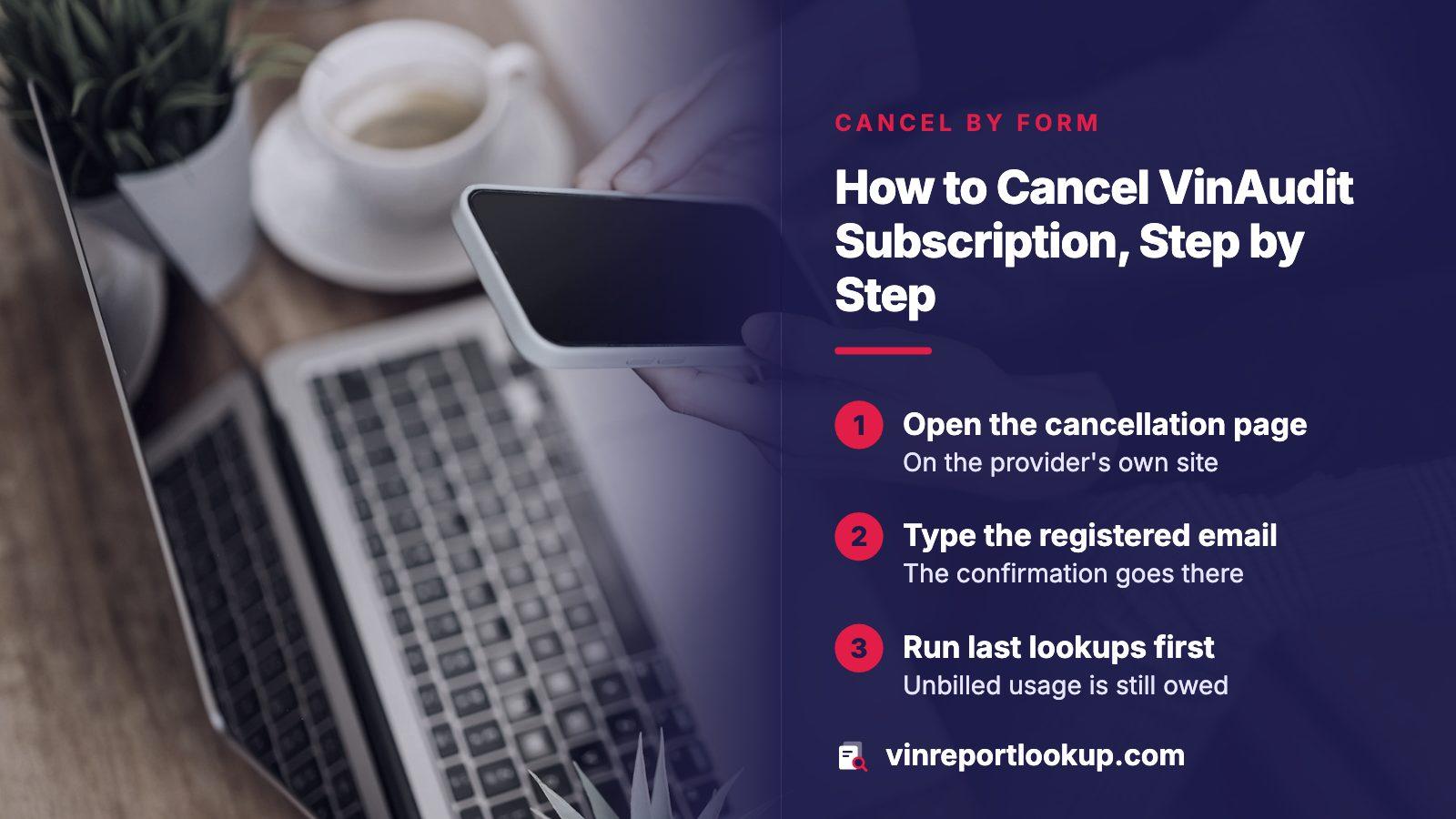
Open VinAudit's Account Cancellation page, enter the name and email on the account, add the captcha, and submit. A confirmation is sent to the email you typed. Per the terms, you keep access until the current billing cycle ends, fees already paid are non-refundable, and any unpaid per-report balance still has to be settled. Keep the confirmation email.
- Where
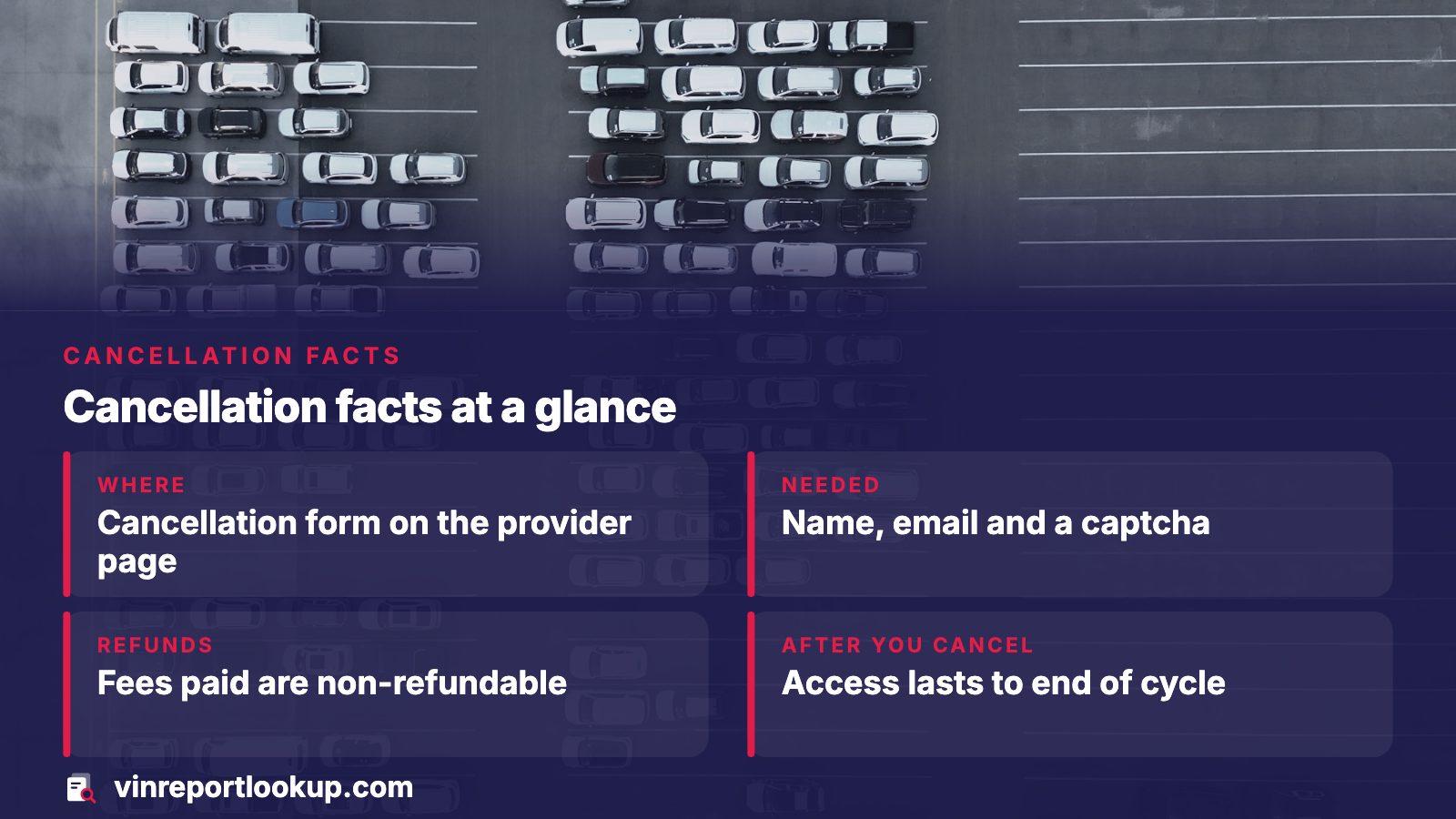
- The cancellation form on VinAudit's Account Cancellation page
- Needed
- Registered name, registered email, captcha
- Refunds
- Fees paid are non-refundable, per the terms
- After you cancel
- Access lasts to the end of the billing cycle
Using the cancellation form
The terms of use point subscribers to a cancellation form rather than a button buried in the dashboard. That form lives on a page titled Account Cancellation, and it opens with a plain line saying existing account holders can request cancellation at any time.
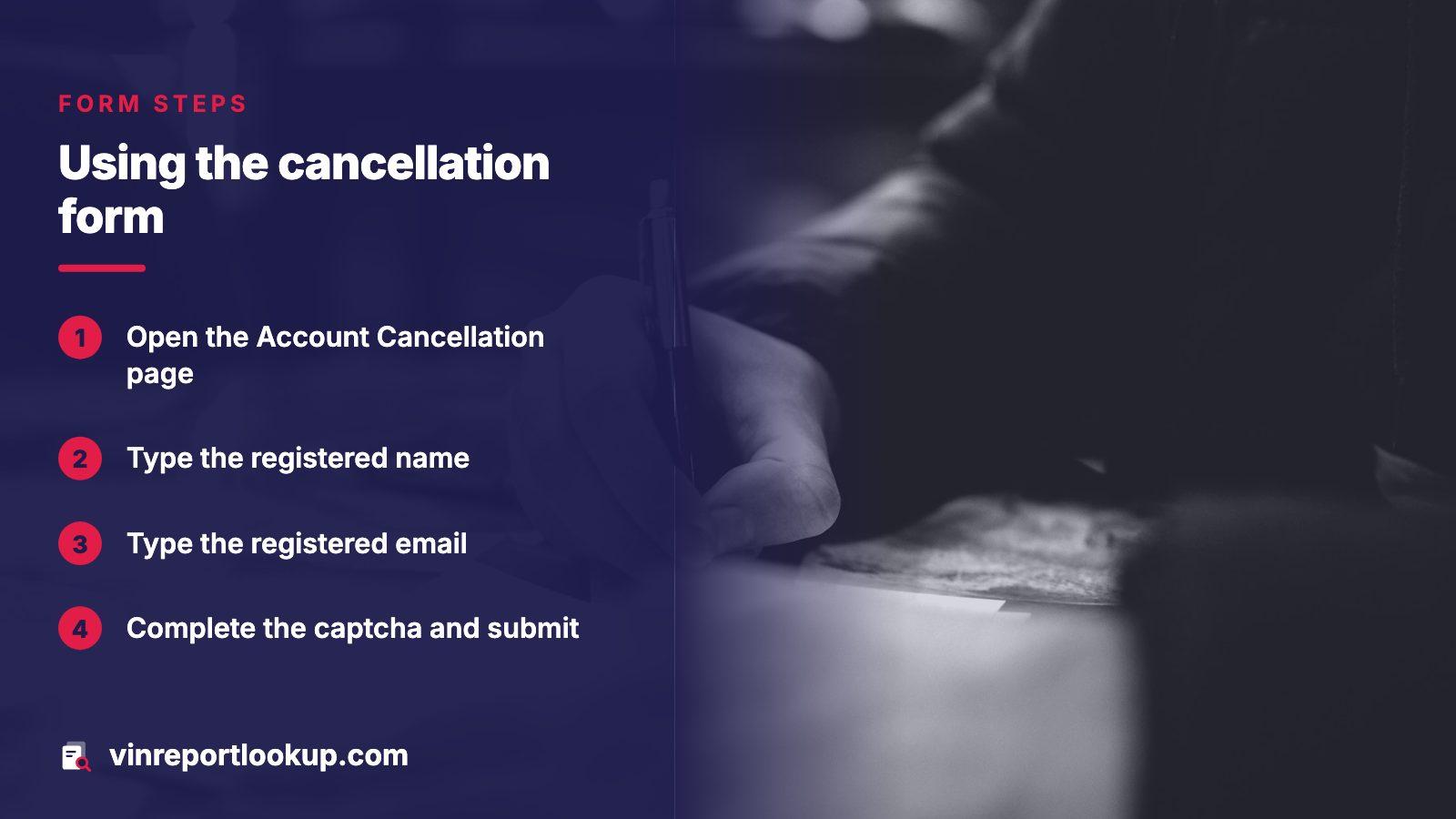
- Open the Account Cancellation page on VinAudit's own site.
- Type the name the account was registered under.
- Type the registered email. VinAudit says the confirmation is sent there, so a typo means no proof.
- Answer the optional question about winning your business back, or leave it blank.
- Complete the captcha and submit.
The form feeds VinAudit's support ticket system, which is why the confirmation arrives by email instead of appearing as a banner. Watch the inbox and the spam folder for it.
First, work out whether you even have a subscription
VinAudit sells in two ways. Buying once gets you one report, settled at the checkout screen, and nothing renews afterward. A subscription is a different animal: a monthly fee that renews by itself, with per-report charges stacked on top.
| Purchase type | What recurs | Does cancelling apply? |
|---|---|---|
| One-time purchase | Nothing | No, the sale is finished at checkout |
| Subscription plan | Monthly fee, plus report usage fees | Yes, use the cancellation form |
| Account with no plan | Nothing | Only if you want the login closed |
Your card statement settles the question. A single charge that never repeated means a one-off sale. A charge that returns each month, or an extra one after a burst of lookups, points to a plan.
What cancelling changes, and what it does not
The cancellation clause is short and has three parts. Fees you have already paid are non-refundable. Your access continues through the end of the billing cycle you are in. And any outstanding per-report balance has to be paid.
Cancelling is not the same as getting a refund
Nothing in the terms promises money back for the unused part of a month. Treat the day you cancel as the day future charges stop, and budget for the cycle you already started.
The practical lesson is timing. If a plan renewed this morning and you now realize you only needed one report, you will not recover that month's fee, so do not wait for a better moment. Submit the form while you are thinking about it.
The per-report balance that catches people out
Plan holders pay twice over. The monthly fee is charged on the start date. Separately, each report you run adds a fee that builds up through the cycle and is billed on the next billing date, or sooner if the running total passes a threshold.
VinAudit's own example uses a threshold of $50.00, equal to 50 reports. Cross it and you are billed mid-cycle, and the balance drops back to $0.00. That explains why some subscribers see a charge on an odd date that matches no renewal.
- Run your last lookups before you submit the cancellation, because the balance is owed either way.
- Expect one final charge for usage that had not been billed yet.
- Do not assume an unfamiliar mid-month charge is an error until you have checked how many reports you ran.
If a payment fails or the terms change
A declined charge does more than annoy you. According to the terms, the account is suspended immediately, VinAudit may retry the card, and overdue sums can attract a late fee of 1.5% monthly, or whatever the law caps it at. An account left unpaid can be closed by VinAudit, and the debt stays.
Walking away from a plan by letting the card lapse is therefore a poor exit. File the cancellation form instead, so the record shows you ended it deliberately.
The terms also let VinAudit alter fees or conditions with at least 30 days of notice. A subscriber who dislikes the new version may cancel before it takes effect, while continued use afterward counts as acceptance. An email about changed terms is a deadline in disguise.
When the form is not enough
No confirmation after a day or so, or still charged afterward? VinAudit's contact page lists support with a live option around the clock, answers within weekday business hours, nine to five Pacific, a phone line at 1-800-480-4428, and a mailing address in Mill Creek, Washington.
Quote the date you submitted the form and the email you used. If a charge you consider wrong still lands, your card issuer has its own dispute process; I could not open a federal page on that topic, so check the issuer's rules directly.
Stay on VinAudit's own pages
The contact page itself carries a warning about requests for reports on unauthorized websites. Reach the cancellation form from the vinaudit.com address you typed yourself, never from an ad or a message.
If one car is all you need to check
Many people land in a subscription while checking a single used car, then forget about it. A cleaner pattern is to pay once per vehicle. Here, the preview for a VIN is free, and a full report is a single payment with no renewal. Current packs are listed on the pricing page.
Before buying, read the title and salvage entries, the odometer history and any liens, since those are the lines that change a negotiation. Both VinAudit and the Department of Justice's provider list describe NMVTIS-based data, so the national title record is available from more than one approved seller.
Where this information comes from
- VinAudit: Terms and Conditions — billing, cancellation, failed payment and change clauses
- VinAudit: Account Cancellation — the form and the details it asks for
- VinAudit: Contact Us — support hours, phone and address
- Justice Dept. VehicleHistory.gov: approved providers — federal list of approved sellers of title-record reports
Sources and photos: Facts checked against the sources above in November 2026. Photos by Jakub Żerdzicki, Owen Michael Grech and Iain on Unsplash; diagrams by VINReportLookup.
Keep reading
- VinAudit alternatives: what else you can buy, and what each report holdsOther places to buy a report once the plan is gone.
- Car history report subscription: when a plan pays and when to skip itHow subscription billing works across report sellers.
- How to cancel a Carfax subscription when Carfax's own pages will not openCancel a different report plan the same careful way.
- Carfax vs VinAudit: six steps to pick the report you pay forCompare the two before you buy your next report.
Frequently asked questions
Can I cancel VinAudit by phone?
The terms name the cancellation form as the route. Support does list a phone line, and a call may help if the form fails, but the form leaves a dated record and a confirmation email, so use it first and phone only to chase a missing reply.
Will VinAudit refund my last payment?
The terms say all fees paid are non-refundable, and a delivered one-time report is not returned either. You can still ask support politely, but plan on losing the current cycle's fee and set your cancellation date accordingly.
Do I lose access the moment I cancel?
No. According to the terms, access continues until the current billing cycle ends. That means you can run any last lookups you need, though each one adds to the per-report balance that must be settled.
Why was I charged in the middle of the month?
Plan holders accrue a fee for each report run. When that running total passes the billing threshold, VinAudit bills mid-cycle and resets the balance. Compare the charge with the number of lookups you ran.
Is a one-time report the same as a subscription?
No. Buying once gets one report at checkout, with nothing that renews. A subscription adds a monthly fee that renews each month until canceled, so only the second kind needs a cancellation.
Now check the car itself
The guide explains what to look for. The report shows what this VIN has on record.