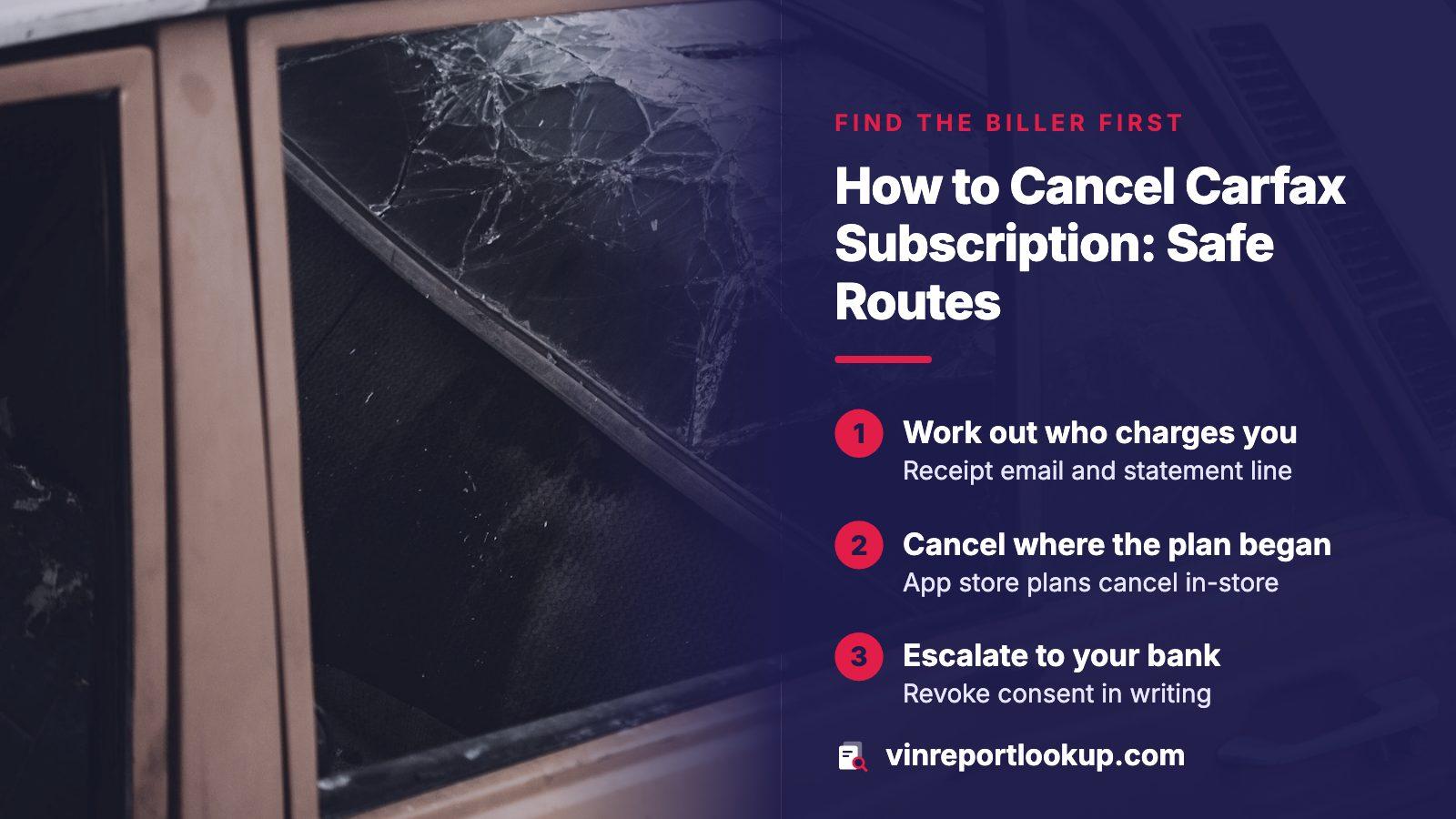
THE SHORT ANSWER
Start with the account or receipt email that created the charge and cancel there. If the plan was bought through an iPhone or Android app, cancel in your Apple or Google subscriptions list instead, because the app's maker cannot do it. If the charge keeps coming, withdraw permission with your bank or dispute it with your card issuer in writing, and keep every date.
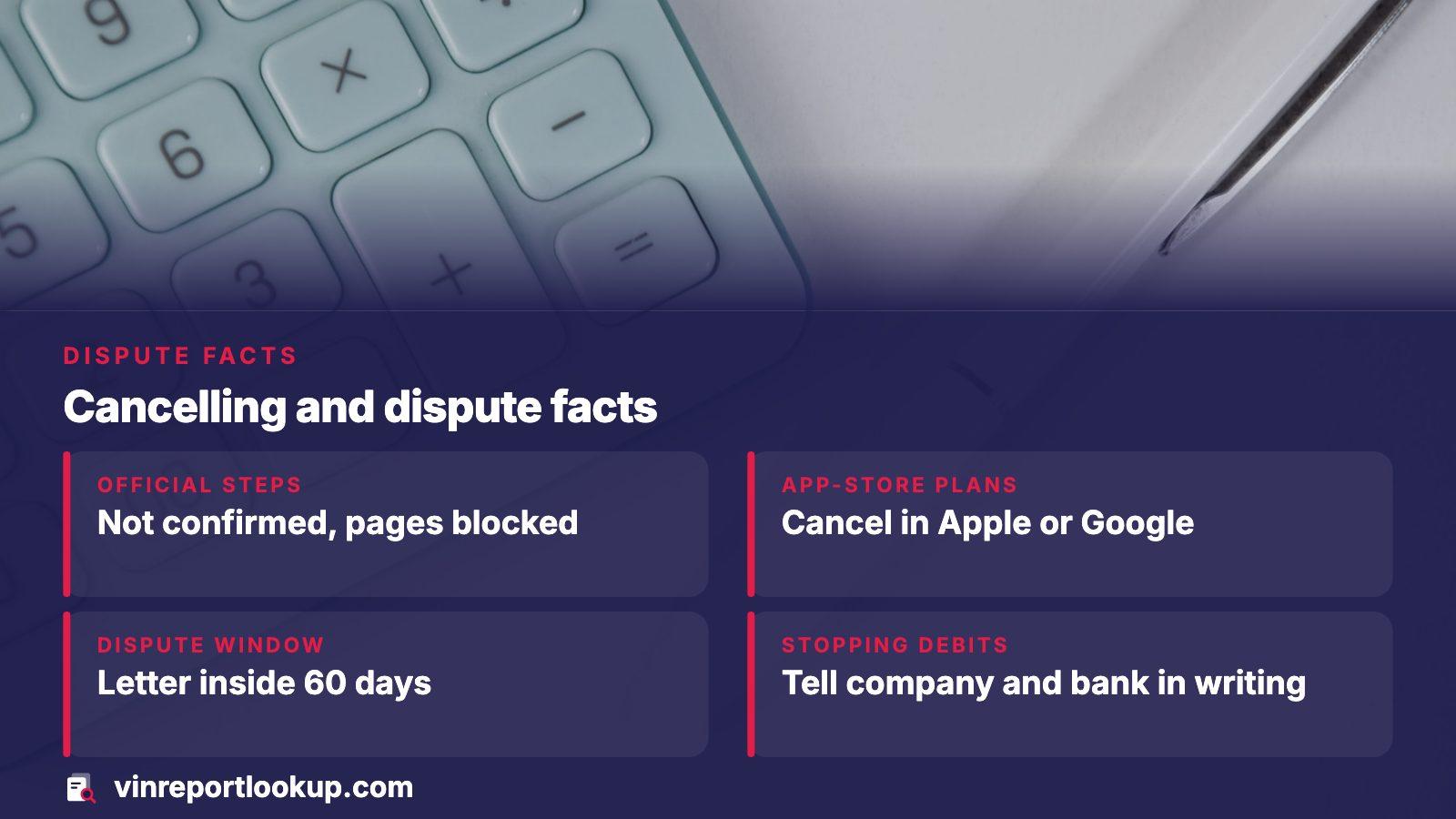
- Carfax's own steps
- Not confirmed: its pages returned a block
- App-store plans
- Cancelled in Apple or Google, not in the app
- Card dispute window
- Letter must arrive inside 60 days of the first bad bill
- Stopping debits
- Tell the company and the bank, then follow up in writing
What we could and could not confirm about Carfax
Every request we made to Carfax's help center, its terms of use and its FAQ came back as a block page, including one opened in a regular browser pane. We did not try to get around that. The result is that we have not read Carfax's cancellation wording, its billing cycle, or its refund terms, and this page does not describe them.
One thing we did read on an official page: the Justice Department's list of approved title-data providers shows Carfax among those serving commercial customers, with a note that its title data goes to commercial customers in California only. That says nothing about how a consumer plan is cancelled, but it is a reminder that who sells you a report and who bills you can be different companies.
Treat the billing name as the lead
The company that appears on your statement is the one you have to cancel with. Look at the charge line first, then decide which route below applies.
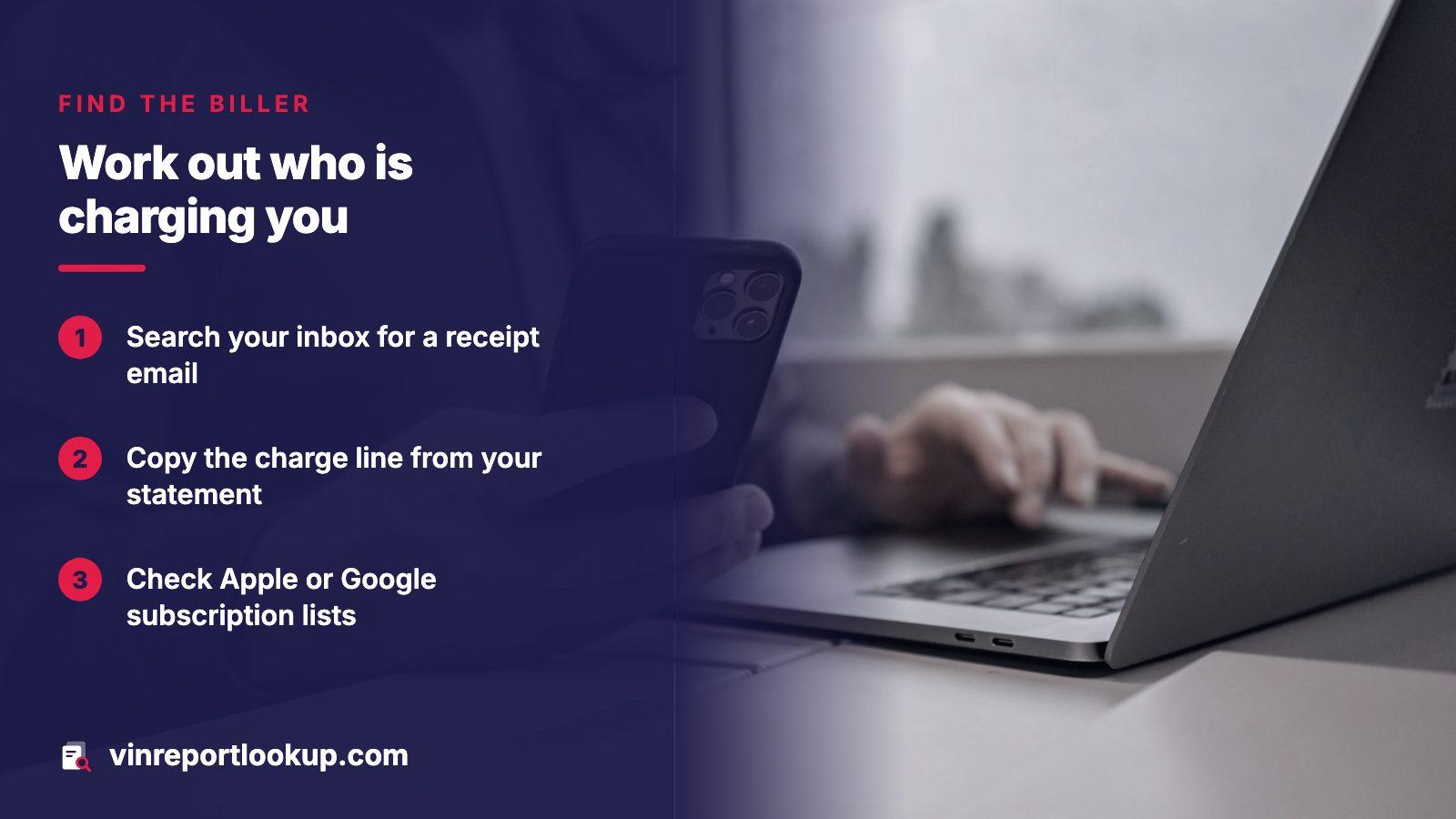
Step one: work out who is actually charging you
People searching for this usually have one of three situations. They signed up on a website, they tapped a purchase inside a phone app, or they see a charge they do not recognize and think it came from a history report. Each has a different cancel path, so spend five minutes sorting yours out before you contact anyone.
- Search your inbox for a welcome or receipt email and note the sender address, the date and the amount.
- Open your card or bank statement and copy the exact text of the charge line, plus the posting date.
- On a phone, look at the subscription lists in your Apple or Google account; a plan bought in an app will appear there.
- If nothing matches, the charge may sit on a different Apple ID or Google account, so check the others you use.
Write down what you find. If a dispute follows, that short list of dates and amounts is the backbone of your letter.
Step two: cancel where the plan was created
If you signed up on a website, the cleanest fix is inside that account, usually under settings, billing or membership. Where Carfax's own account page puts the control, we cannot say, so look for those wording variants and read what the confirmation screen promises before you click.
When no button exists, use the company's contact form or phone line and say plainly that you are cancelling and want the end of recurring billing confirmed. Ask for a confirmation in writing, by email if possible. A phone call alone leaves nothing you can show a bank later, so send a short email right afterward that records the date, the time and what the agent told you.
Screenshot the confirmation
Capture the final screen and the email. If a charge appears afterward, those two items settle the question of whether you cancelled.
If the plan came through an app, cancel in the store
Apple handles anything purchased through its App Store. On an iPhone you open Settings, tap your name, choose Subscriptions, pick the plan and tap Cancel Subscription, scrolling down if the button is hidden. Apple says that if there is no Cancel button, or a red expiration message shows, the plan has already been cancelled.
On Android, Google Play says subscriptions run indefinitely with a fee taken when each billing period begins, until you unsubscribe. Open your subscriptions in Google Play, select the plan and tap Cancel subscription. Removing the app does not stop the billing. Once cancelled, you keep access for the period already paid, and earlier charges generally are not refundable except under Google's stated refund policies.
When the charges continue: stop them at your bank
The Consumer Financial Protection Bureau says you can take back permission for a company to pull money from your account, even if you agreed earlier. Its order of steps is worth following exactly, because each one builds your record.
- Tell the company you are pulling your consent to automatic payments, then back that up with a letter or email.
- Contact your bank or credit union, say you have revoked that authorization, and confirm in writing too.
- Ask whether the bank recommends a stop payment order; banks generally charge a fee for one.
- Note the date of each request, and report any later withdrawal immediately.
After you have told both parties, the bureau says a further payment from that company counts as an error, and you can ask the bank for your money back.
Paying by credit card: the written dispute
A charge on a credit card follows the billing-error process described by the Federal Trade Commission. You send a letter to the issuer's billing-inquiries mailing address, which differs from the payment address, naming yourself, your account and the exact mistake. Attach copies of receipts and cancellation proof, never originals.
Timing matters. Your letter must be in the issuer's hands inside 60 days of the date the first erroneous statement went out. The issuer must acknowledge it in writing within 30 days and settle it within 90 days. While it investigates, you may hold back the disputed amount and its finance charges, though you still pay the rest of the bill. Certified mail with a return receipt gives you proof of delivery.
Stopping payments is not the same as cancelling
The CFPB makes a point that people often miss: ending an automatic payment does not erase what you owe. If a service contract is still active, you have to cancel that contract with the company as well as cutting off the payments. Skipping the first part can leave a balance that grows quietly and later shows up as a collections problem.
| Action | What it does | What it leaves undone |
|---|---|---|
| Cancel with the company | Ends the plan going forward | Does not recover charges already taken |
| Revoke at the bank | Makes later debits errors | Does not end the contract by itself |
| Card dispute letter | Challenges a specific billing error | Does not cancel the plan |
| Cancel in Apple or Google | Stops the next store charge | Does not refund the period already paid |
If you only needed one car checked
A recurring plan makes sense for someone checking cars every week. A buyer comparing two or three vehicles over a weekend rarely needs it. On VINReportLookup you enter the VIN, read a free preview, and pay once for a full report if you want the details. There is nothing to renew and nothing to cancel afterward.
Before buying, read our pricing page and the notes on how subscriptions differ from single reports, so the charge on your statement is the one you expected.
Where this information comes from
- CFPB: stopping automatic payments — revoking permission with the company and the bank, stop payment orders, and why cancelling is separate
- FTC: using credit cards and disputing charges — billing-error letter contents and the 60, 30 and 90 day timelines
- Justice Department: approved NMVTIS providers — where Carfax appears among providers and the California-only note
- Apple Support: cancel a subscription — the iPhone steps and what a missing Cancel button means
- Google Play Help: cancel a subscription — cancel steps, access after cancelling, and uninstalling not cancelling
Sources and photos: Facts checked against the sources above in November 2026. Photos by Abolfazl Ranjbar, Anastasiia Nelen and Sasun Bughdaryan on Unsplash; diagrams by VINReportLookup.
Keep reading
- Car history report subscription: when a plan pays and when to skip itWhether a subscription ever makes sense for one car
- How to cancel a Bumper subscription, and what to do if you are still billedA sourced cancel walkthrough for another report service
- How much a Carfax vehicle history report costs and what it coversWhat we could and could not read about Carfax pricing
- Carfax alternatives: what each VIN report option covers and costsOther ways to check a car without a Carfax plan
Frequently asked questions
Can I cancel Carfax by calling my bank?
Your bank can stop future debits and handle disputes, but it does not end your agreement with the seller. The CFPB advises telling the company and the bank, both in writing, and cancelling any ongoing contract with the company too. Do the bank step after you have tried the company directly.
Will deleting the app stop the billing?
No. Google Play states that uninstalling an app does not cancel its subscription, and Apple manages App Store plans from your account settings. Open the subscription list in your Apple or Google account and cancel the plan there.
What if I do not recognize the charge at all?
Copy the charge line and date from your statement, then check your email and your phone's subscription lists for a match. If nothing fits, tell your bank or card issuer promptly. Federal rules give you a limited window to report an unauthorized transfer or a billing error.
How long do I have to dispute a card charge?
For a billing error on a credit card, the FTC says the issuer must receive your letter inside 60 days of the first bill that contained the error. Waiting past that point can weaken your position, so write early and keep copies.
Do I need a subscription to check a used car?
Not for one purchase. You can run a free preview by VIN and pay once for a full report if you decide to, with no renewal. A recurring plan only pays off if you check vehicles regularly.
Now check the car itself
The guide explains what to look for. The report shows what this VIN has on record.