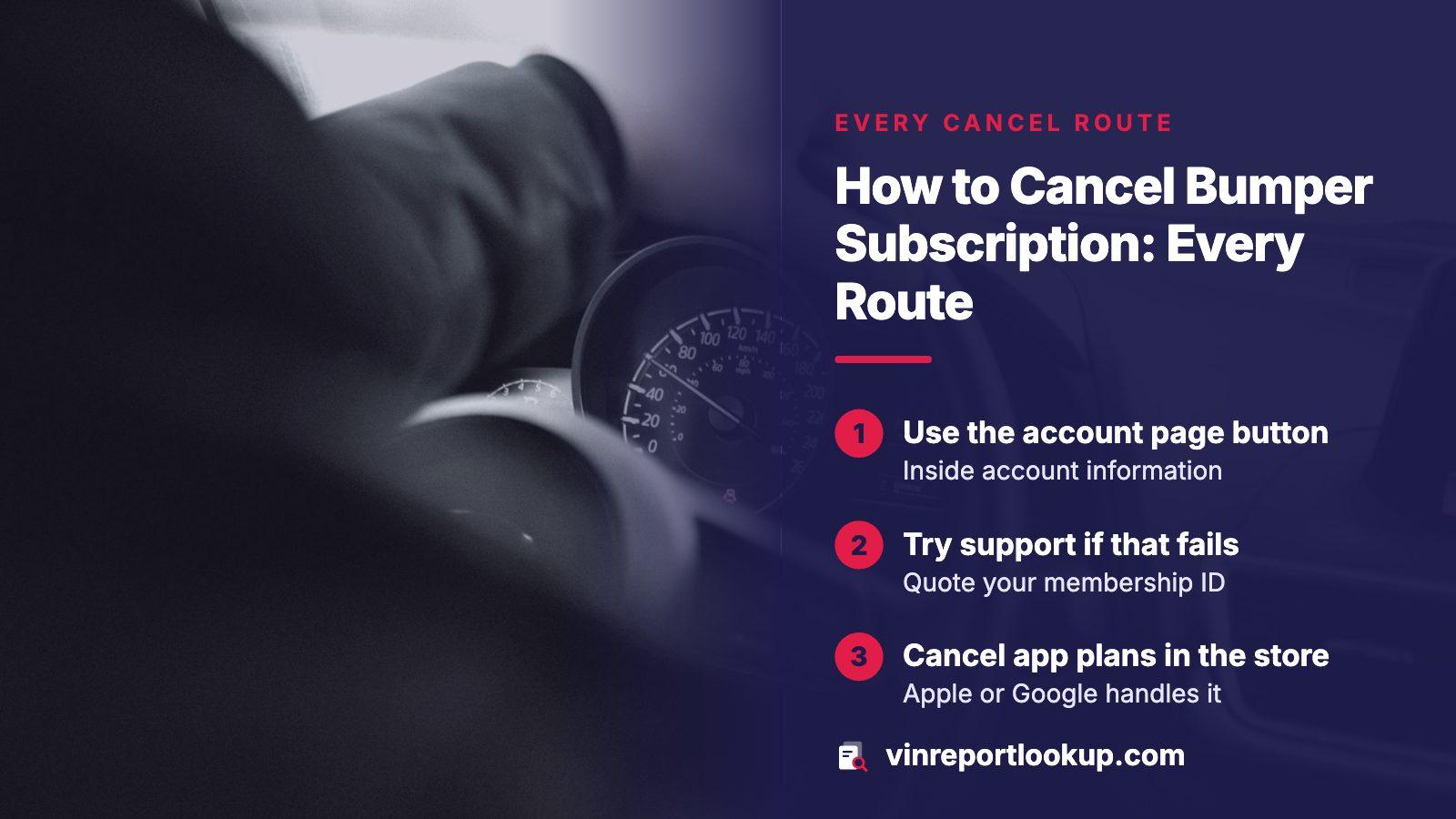
THE SHORT ANSWER
Bumper's terms give the web route as a Cancel My Account button inside the account-information page. Support can also cancel by email, form or phone when you quote your membership ID or the address you registered with. An app-store plan is cancelled in your Apple or Google account. Cancelling stops the next renewal but does not undo the period you already owe, so save the confirmation.
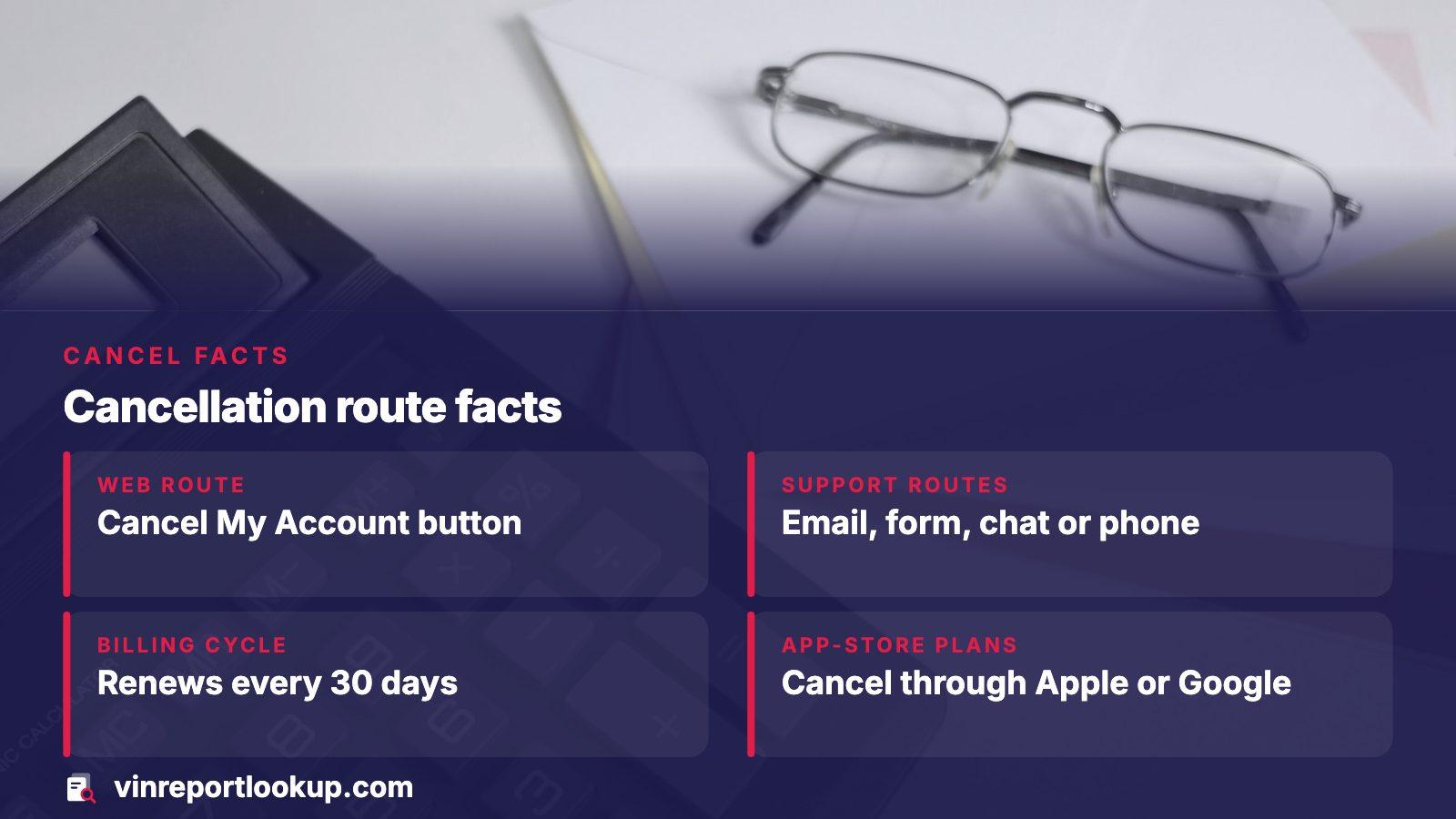
- Web route
- Cancel My Account button, inside account information
- Support routes
- Email, contact form, chat or phone, quoting your membership ID
- Billing cycle
- Plan and report limit renew every 30 days
- App-store plans
- Cancelled through Apple or Google, not Bumper
The quickest route: your Bumper account
Bumper's terms of use spell out the web path. Sign in, head to My Account, open the account-information editor, and press its Cancel My Account button. Bumper says online requests can be sent at any hour, every day of the week, so there is no reason to wait for a business day.
Its homepage FAQ points to the same place, calling it the account settings. If the button is missing or the page errors out, do not keep clicking. Switch to one of the support routes below and tell them what you saw, because a record of the attempt helps later.
Take a screenshot of the confirmation
Capture the final screen or save the confirmation email, with the date visible. If a charge shows up afterward, that single image is the strongest thing you can hand to a card issuer.
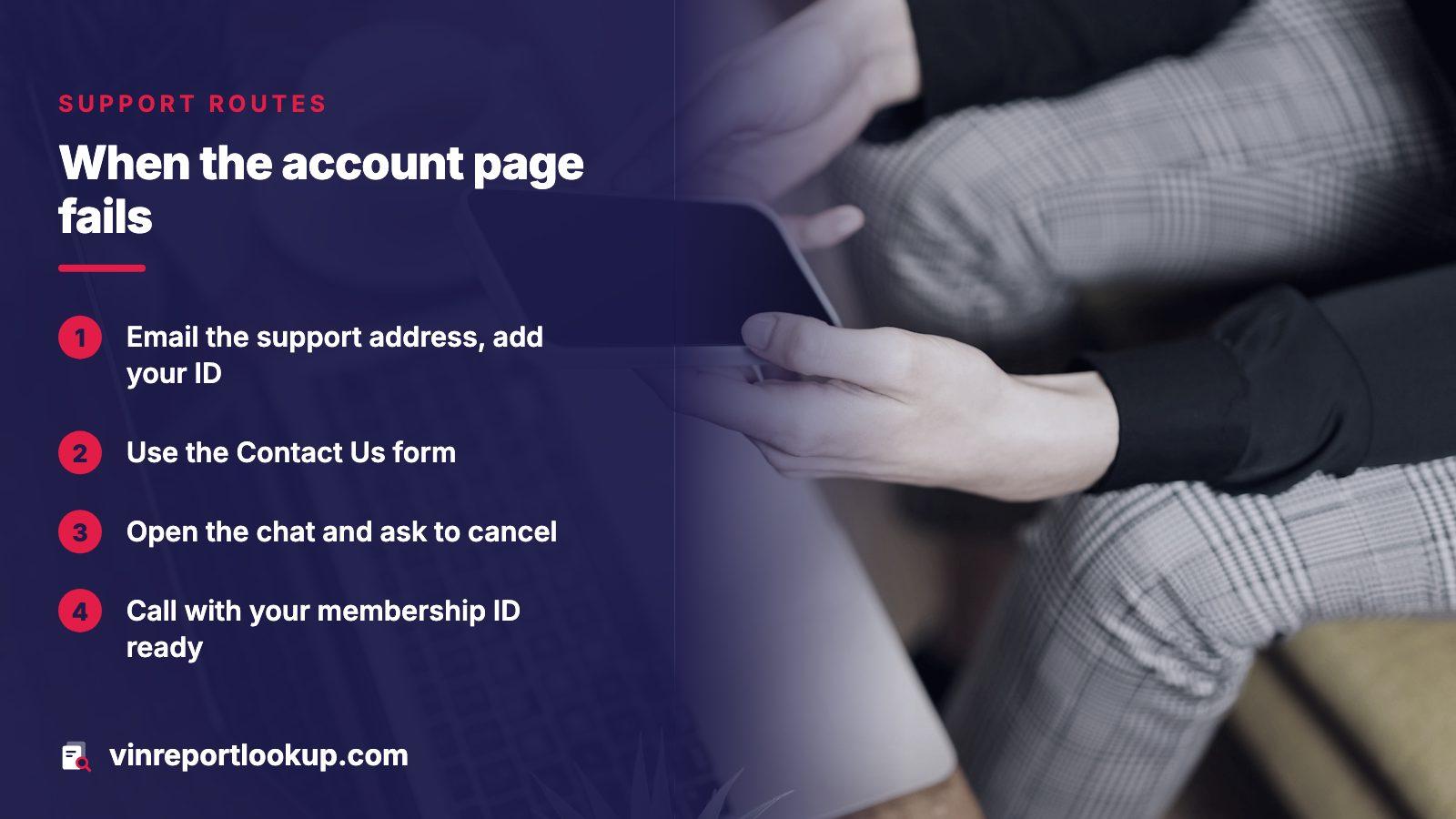
When the account page will not work: support routes
Bumper's billing page lists several ways to reach someone who can end the plan. You do not need to pick the phone if you dislike calls; a written request leaves a trail.
- Email the support address shown on Bumper's billing page and put your identifier in the message.
- Use the Contact Us form, which comes pre-filled with a cancel request.
- Open the online chat and ask to cancel.
- While logged in, choose Contact Us and select Cancel My Account.
- Call customer service with the membership ID in hand.
Bumper's membership ID runs to nine digits. It sits in the welcome email and under Account Details inside the account. Locked out? The email address you registered with does the same job.
Subscribed inside the app? Cancel with Apple or Google
A plan bought through the iPhone app belongs to Apple, and a plan bought through the Android app belongs to Google. Bumper's own staff cannot switch it off from their side, and Bumper's billing page says so. This catches people who delete the app and assume the charge ends. It does not.
| Billed through | Where to cancel | Sign it is done |
|---|---|---|
| Apple | Settings, your name, Subscriptions, Bumper, then Cancel Subscription | No Cancel option, or a red expiry note |
| Google Play | Play app, Account, Subscriptions, Cancel | Access runs to the end of the paid period |
| Bumper directly | My Account on the website, or support | Confirmation screen or email |
Apple's support page confirms the iPhone steps. If you are unsure which route you used, look at the card statement: an app-store charge appears under Apple or Google, not under Bumper.
What cancelling does and does not do
According to Bumper's terms, ending the plan means it stops renewing and the upcoming recurring charges are dropped. The same section adds that charges already incurred stay owed, along with the balance for the subscription period you are currently in. Elsewhere the terms say that not using the service is no reason to refuse payment.
Practical result: cancel as early in the cycle as you can. Bumper's help pages say the plan and report limit renew every 30 days and that billing lands at the start of each new period. Cancelling a day after a renewal means you paid for a month you may not use.
Its terms also let Bumper change prices or billing practices after emailing you, and staying on past 7 days from that notice counts as agreement. Read any email from Bumper about price changes, since it may be your cue to leave.
Trials turn into renewals unless you stop them
Bumper's homepage describes its trial as a lower-cost way to try reports for a limited time. Once it runs out, you roll onto the regular recurring rate, unless you have cancelled. That wording is the whole trap: the card you gave at sign-up is the card that gets charged.
The Federal Trade Commission gives the same warning about trial offers in general. Its consumer advice says to note the cancel-by date on a calendar and to watch for a renewal price higher than the promotional one. Treat the day you sign up as the day you set the reminder.
Cancel on day one if you only need one car
Bumper's terms say a cancelled plan will not renew, and a Google Play plan keeps working until the paid period closes. So if one report was all you needed, cancelling straight away loses nothing you would have used.
Asking Bumper for a refund
Bumper treats each refund request on its own facts. Its terms say you are typically limited to a single refund per subscription, that repeated refunds are not permitted, and that you must give your name and a billing or mailing address. Expect to be asked for the member ID or email as well.
On timing, the billing page says the refund goes through straight away at Bumper, though your bank may need as long as 10 days before it shows. The terms give a longer outer limit of thirty days depending on the card issuer. If Apple or Google took the payment, they handle the refund, not Bumper.
Nothing on those pages promises a refund, so ask politely and in writing, and say what you want: money back for the current period, with the date you cancelled.
Charged again after you cancelled
Start by checking whether the charge is real. Bumper's billing page says a failed sign-up can leave a pending authorization on the card that drops off within a few business days. Your account's order history, under My Account, lists each charge with its date and amount.
- Gather the cancellation confirmation and the statement line showing the new charge.
- Write to Bumper support with both, and ask for a reversal.
- If they do not fix it, dispute the charge with your card issuer through its website or a phone call.
- Follow up in writing to the issuer's billing-dispute address, and keep every record.
- Report the problem to the FTC at ReportFraud.ftc.gov and to your state attorney general.
That sequence follows the FTC's advice on stopping a subscription. The agency also says businesses have to make cancelling simple, which is a fair standard to hold any service to.
A one-car check without a plan to cancel
Most people who go hunting for a cancel button wanted one answer about one vehicle. VINReportLookup is built for that case. Type in the VIN, skim the free preview, then judge whether the full record deserves one payment. Packs exist for people comparing several cars, and none of it renews.
When the report is opened, the parts worth reading before you buy are the brands on the title, damage entries, mileage history and any open recalls. Check the pricing page for the cost of each option, so the figure is known before you pay.
Where this information comes from
- Bumper: billing FAQ — support routes, membership ID, app-store billing and refund timing as Bumper states them
- Bumper: terms of use — cancellation policy, refund policy and recurring billing wording
- Bumper: common questions — 30-day renewal cycle and cancel options
- FTC: free trials, auto-renewals and negative options — advice on cancelling, trial reminders and card disputes
- Apple Support: cancel a subscription — iPhone and iPad cancellation steps
Sources and photos: Facts checked against the sources above in November 2026. Photos by Miles Loewen, Jakub Żerdzicki and Cht Gsml on Unsplash; diagrams by VINReportLookup.
Keep reading
- Bumper VIN check cost: what the plan bills and cheaper ways to check a carWhat Bumper's pages say about plan prices and the trial
- Bumper alternatives: sites that sell a VIN report without a monthly planOther ways to check a car once the plan is gone
- Car history report subscription: when a plan pays and when to skip itWhether a subscription ever makes sense for one car
- Vehicle history report cost: what each kind charges and coversWhat history reports cost across providers
Frequently asked questions
Can I cancel Bumper by phone?
Yes. Bumper's billing page lists a customer service phone line as one of its cancellation routes. Keep your membership ID close, or the registration email. Because a call leaves no paper trail, follow it with an email or screenshot noting the date and what you were told.
Why was I charged after I deleted the Bumper app?
Deleting an app does not end a subscription. If you subscribed through Google Play or Apple, the plan stays active until you cancel it in that store account. Bumper's billing page says uninstalling does not stop the Google Play plan. Cancel in the store, then check your statement.
Do I keep access after I cancel?
Bumper's pages say a Google Play cancellation leaves access through the current paid period. Its terms say a cancelled plan will not renew but you still owe the current subscription period. Plan to use what you paid for before the period closes, and do not expect a prorated return.
Will Bumper refund the month I just paid?
Possibly, but it is not promised. Bumper reviews each request individually, usually allowing one per subscription. Ask in writing, give your billing details, and say the date you cancelled. Paid via Apple or Google? Ask that company instead.
What if Bumper keeps billing me anyway?
Send support your cancellation proof and ask for a reversal. If the charge stays, dispute it with your card issuer and keep every record, as the FTC advises. You can also report the problem to the FTC at ReportFraud.ftc.gov and to your state attorney general.
Now check the car itself
The guide explains what to look for. The report shows what this VIN has on record.